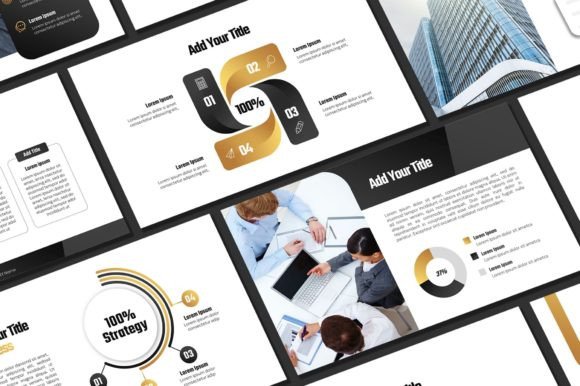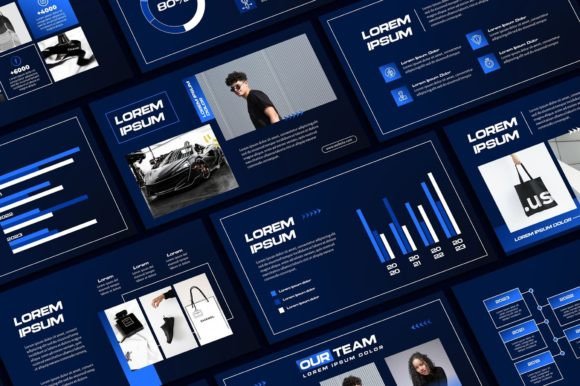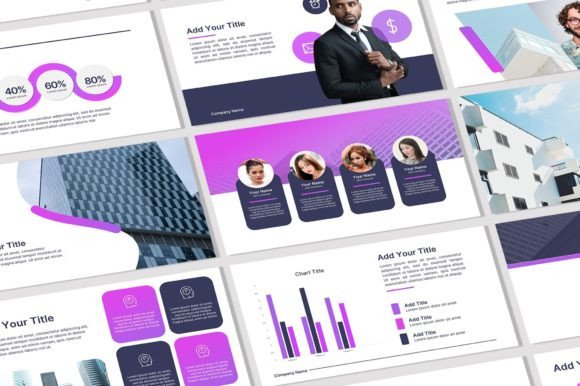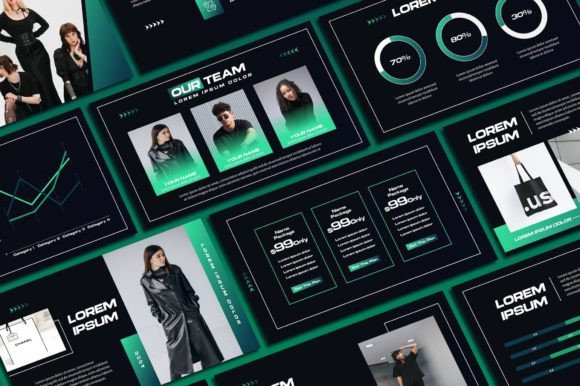
Black Yellow Powerpoint Template: Futuristic Design for Bold Presentations
Welcome to Sky Creation! If you've ever sat through a presentation that felt dull, outdated, or forgettable, you already understand why template design matters. The Black Yellow Powerpoint Template takes a completely different approach—pairing a deep black foundation with electric yellow accents to create something that feels both futuristic and immediately commanding. This isn't a template that blends into the background. It's built for moments when you need your audience to sit up and pay attention.
A Visual Identity That Demands Attention
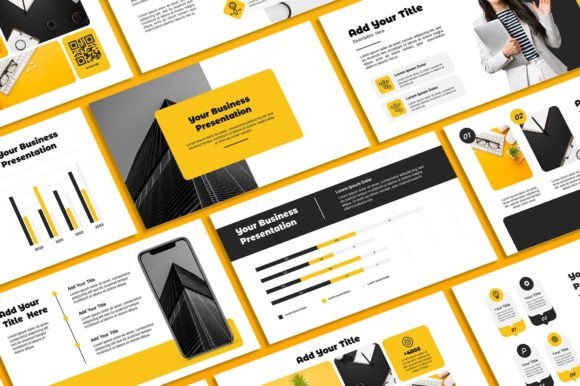
What makes this template stand out at first glance is its color psychology at work. Black communicates authority, sophistication, and weight. Yellow injects energy, optimism, and urgency. Together, they create a contrast ratio that's not just visually striking—it's practically impossible to ignore. The futuristic aesthetic runs throughout every slide, with clean geometric layouts, sharp lines, and a sense of movement that keeps eyes locked on your content rather than drifting toward phones.
With 66 unique slides included, you're not recycling the same three layouts across a 30-minute presentation. Each slide offers a distinct arrangement—data visualizations, image-heavy hero slides, text-driven content layouts, team introductions, timeline graphics, and comparison charts. The variety means your presentation maintains visual interest from the opening hook to the closing call to action. You won't find yourself forcing content into ill-fitting frames or duplicating slides just to fill gaps.
The 16:9 aspect ratio is the standard for modern displays, projectors, and screen-sharing platforms. No awkward black bars. No cropped images. Everything renders exactly as intended whether you're presenting in a conference room or sharing your screen on a Zoom call. Every graphic in the template is fully resizable and editable, so stretching elements to fit your specific content won't result in pixelation or distortion.
Where This Template Actually Works Best
Entrepreneurs pitching investors will find the bold aesthetic particularly useful. Venture capital presentations live and die on first impressions, and a black-and-yellow color scheme signals confidence and forward-thinking vision. The 400+ free icons included eliminate the need to hunt for supplementary graphics—whether you're illustrating a business model, mapping a customer journey, or breaking down financial projections, there's likely an icon already waiting.
Marketers and brand strategists can leverage the template for campaign pitches, quarterly reviews, or brand identity presentations. The high-contrast design naturally creates a strong visual hierarchy, guiding the audience's eye from headline to supporting content to key data points without requiring you to manually adjust font sizes and positioning obsessively. The template's structure does a lot of that heavy lifting for you.
Small business owners presenting at trade shows, networking events, or client meetings benefit from the professional polish this brings. You don't need a design degree to make something look expensive. The modern typography and layout decisions baked into the template mean that even minimal customization—swapping in your logo, adjusting text, adding your own photos—produces a result that looks intentional and credible.
Content creators and bloggers will also find practical applications. Think media kits, sponsorship decks, course launch presentations, or workshop slides. The futuristic style pairs well with tech, innovation, creative services, and lifestyle brands that want to project ambition without sacrificing clarity.
Practical Customization Without the Overwhelm
One concern with premium templates is complexity. Sky Creation addresses this directly with a straightforward workflow. After purchasing, you receive an email with a download link. Open the PDF, click the download button, and grab the PowerPoint file. A video tutorial walks you through the setup process, and installing the required fonts on your computer ensures everything displays correctly from the start.
What can you actually edit? Quite a lot. Text and text colors are fully adjustable, so you can match your brand palette or shift the yellow accent to a gold, amber, or even white if the project calls for it. Fonts can be swapped entirely—though the included typeface choices complement the template's aesthetic well. Background colors can be modified, photos can be inserted into designated placeholders, and your logo can be placed across any slide. The flexibility is genuine, not the kind of "editable" that breaks the entire layout the moment you change one element.
Choosing the Right Moment for Bold Design
Not every presentation benefits from high-contrast, futuristic aesthetics. A quarterly compliance report to a conservative board might call for something more subdued. But when the goal is to energize, persuade, or differentiate—when you need your slides to feel like an event rather than a chore—the Black Yellow Powerpoint Template delivers real value.
Before committing, consider your audience and context. Test how your actual content fits into the layouts. Drop in a few real slides, check readability at the distance your audience will view them, and make sure the color contrast supports your text rather than competing with it. The template's design choices are strong, which means pairing them with equally strong content creates something memorable. Pairing bold design with weak content, on the other hand, only highlights the gap.
For designers building client decks, this template serves as an excellent design asset in your toolkit—something you can adapt across multiple projects with different branding overlays. For anyone else, it's a shortcut to professional presentation design that doesn't require learning advanced software or hiring outside help. The combination of visual impact, practical customization, and included resources makes it a genuinely useful starting point for presentations that need to perform.
Requirements: A PC or laptop with Microsoft PowerPoint or Excel installed. That's it. No specialized software, no subscription services, no additional purchases needed to get started.